⭐ Player page: View stars, achievements & purchases
OBS Overlay + Twitch Chat + Live Modules

Games, tools and effects for your stream connected in minutes

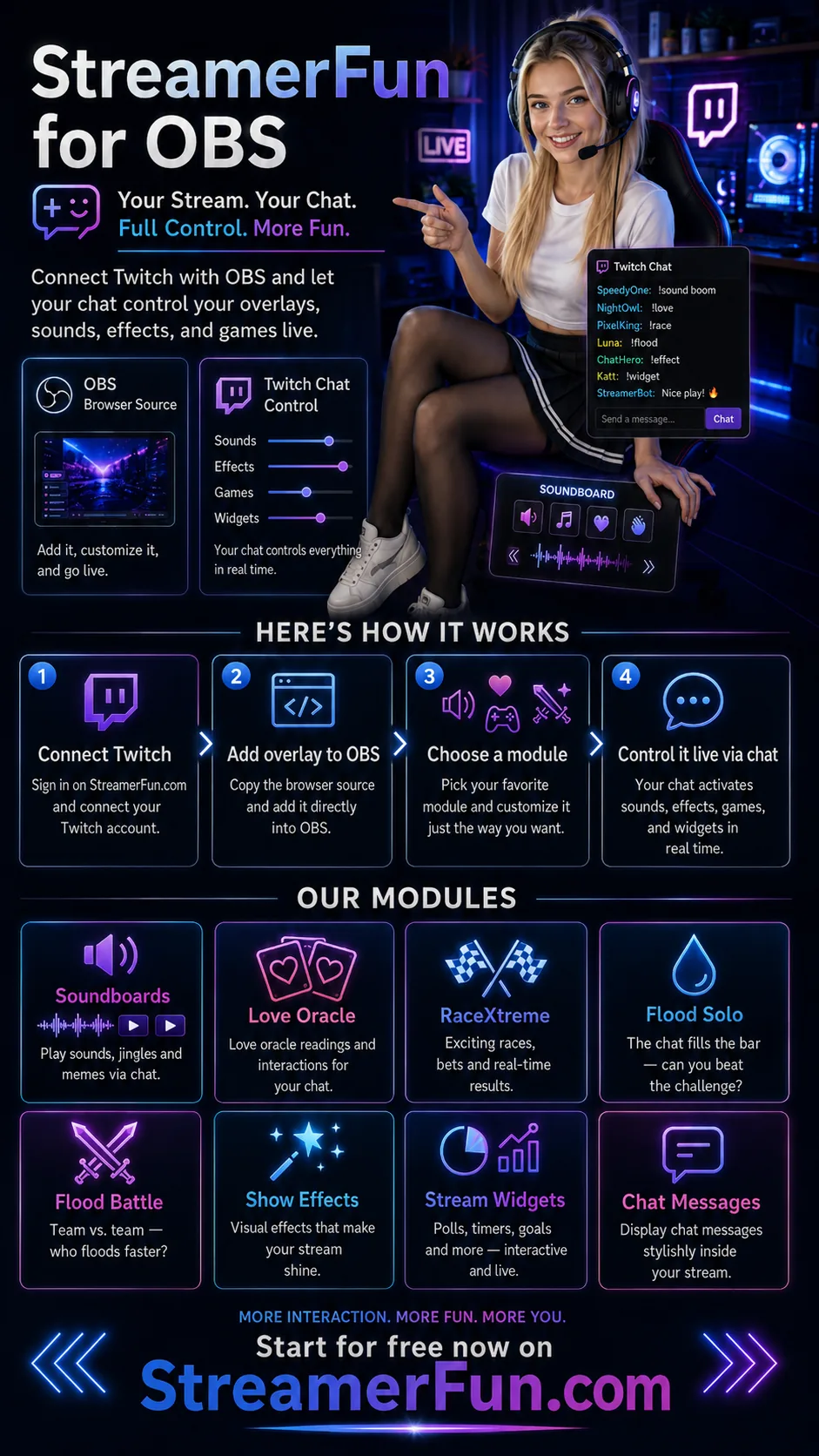
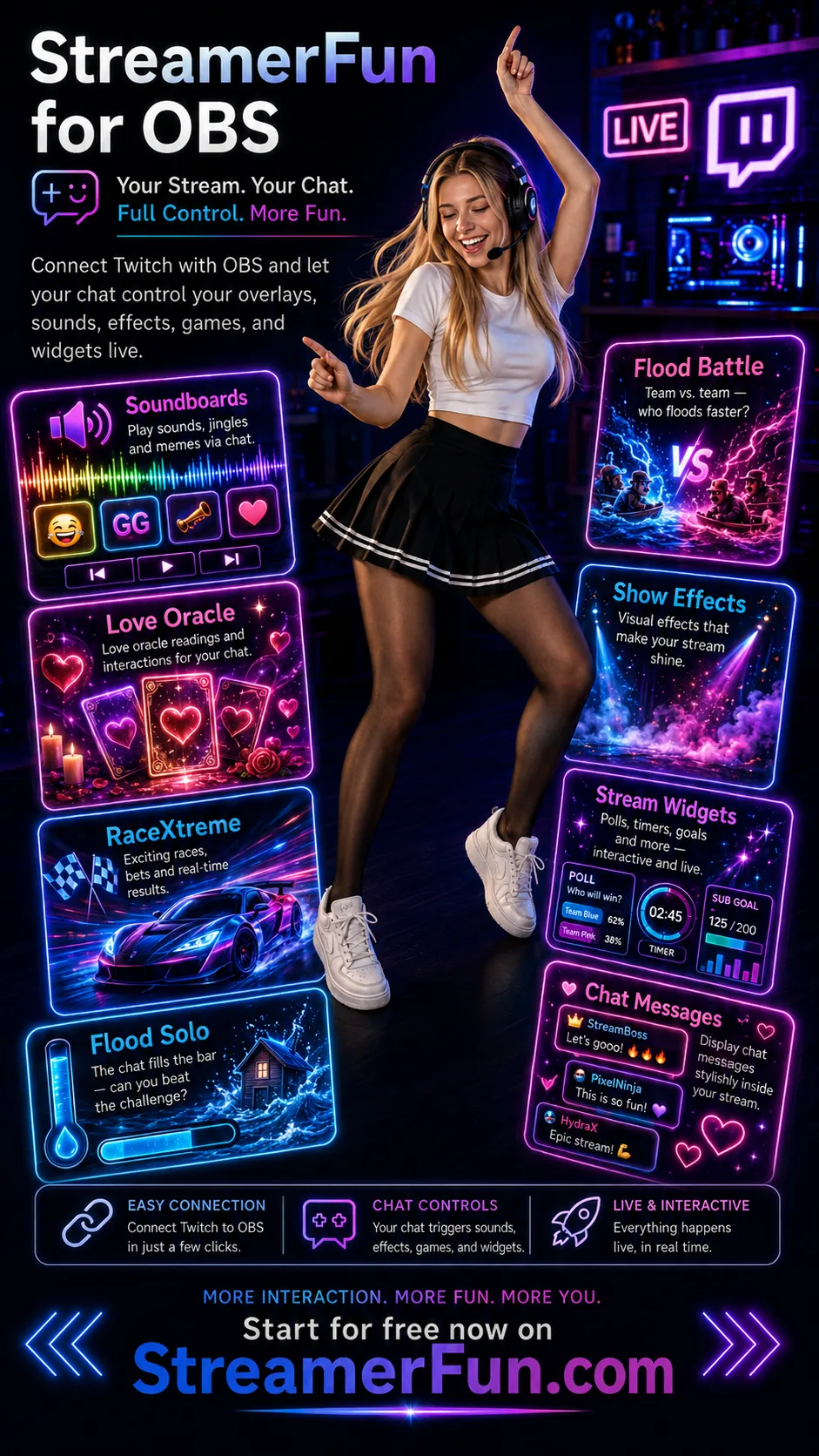
StreamerFun connects your OBS overlay with Twitch Chat. Activate RaceXtreme, Flood Solo, Flood Battle, Love Oracle Wheel, Soundboard, Chat Messages, Stream Widgets, Show Effects and Gold Stars for your community.

Quick answers for SEO & AI Search

  • One OBS Browser Source overlay for all activated StreamerFun modules.
  • Twitch Chat controls games, sounds, messages and community effects.
  • RaceXtreme award Gold Stars as prizes and rewards.
  • Streamers stay in control through the dashboard and launch modules with chat commands.
StreamerFun for OBS – games, effects, stream widgets and Twitch Chat interaction
RaceXtreme · Twitch Chat · Star Wallet

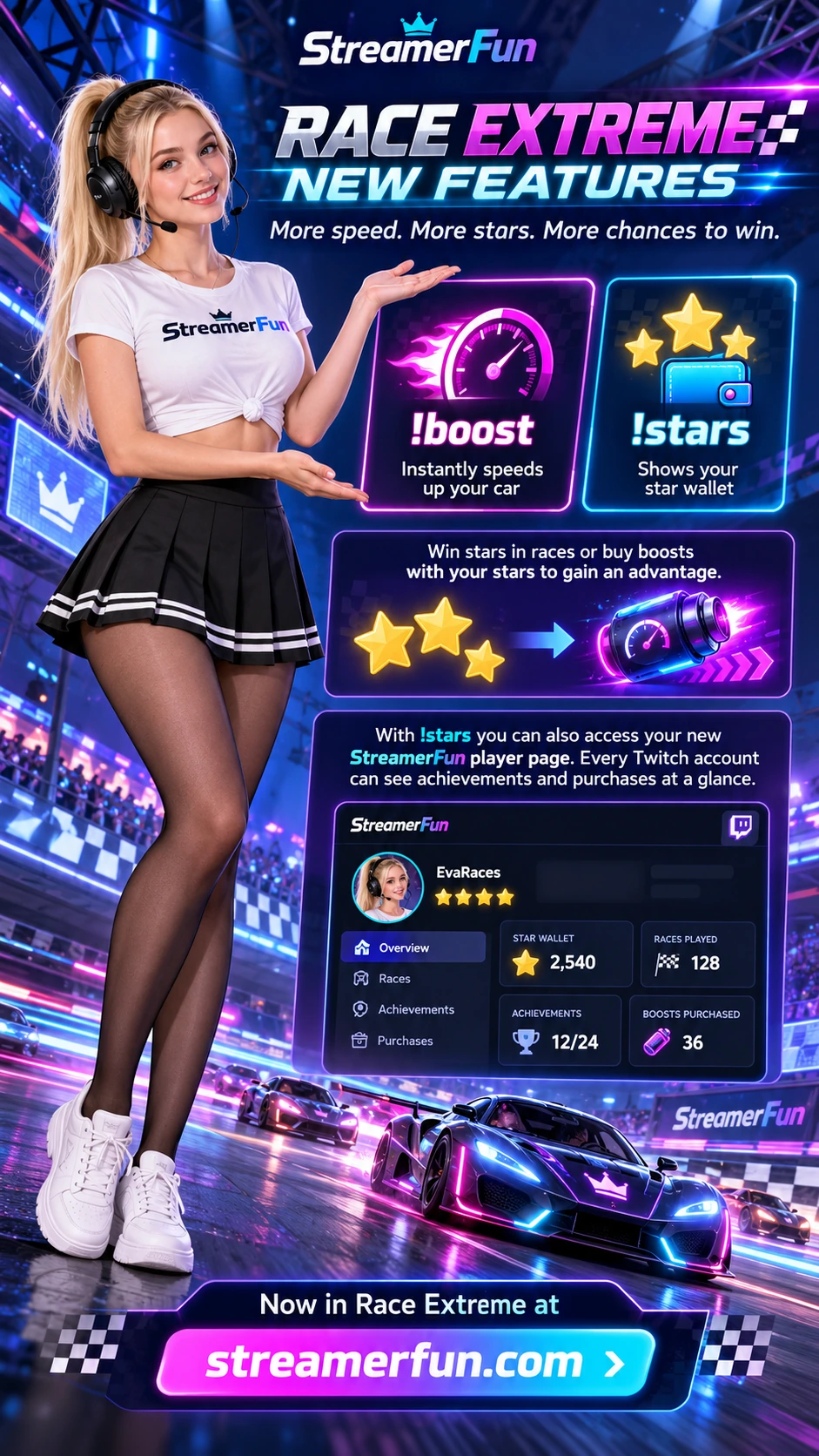
New in RaceXtreme: !boost, !stars and your player page

RaceXtreme now connects races directly with the StreamerFun Star Wallet. Players can win Gold Stars in races, check their balance in Twitch Chat and spend stars on additional boosts.

!boost – more speed during the race

With !boost, a player speeds up their car in RaceXtreme. Available boosts can be purchased with stars won in the game, turning stars into a tactical racing advantage.

!stars – check your current Star Wallet in chat

The !stars chat command shows the current star balance of the connected Twitch account and provides access to the personal StreamerFun player page.

A player page for every connected Twitch account

The new player page gives players an at-a-glance view of what they have already achieved or purchased on StreamerFun, including their Star Wallet, achievements and purchases.

Open my player page

In short: RaceXtreme is an interactive Twitch Chat racing game for StreamerFun and OBS. !boost speeds up your car, !stars shows your Star Wallet, and stars won in races can be spent on boosts. The player page brings together the Twitch account's stars, achievements and purchases.
1 OverlayOne Browser Source in OBS
Twitch ChatCommands directly in stream
9 ModulesGames, tools, widgets & effects
Gold StarsPowered by GetGameStars.com

Why StreamerFun?

StreamerFun is built for streamers who want to launch interactive shows, chat games and effects in OBS without complicated setup.

Twitch Chat as controller

Viewers trigger sounds, join races, interact with commands and become visible inside the overlay.

One overlay for multiple modules

OBS only needs one Browser Source. You choose in the dashboard which games, tools and effects should appear.

Rewards for community action

Gold Stars make races, battles and interactions more valuable and connect StreamerFun with GetGameStars.

How it works

Login, add the overlay, enable a module and let your Twitch Chat play.

1

Connect Twitch

Log in with your Twitch account and open your streamer dashboard.

2

Add your overlay in OBS

Copy your personal overlay URL once as a Browser Source in OBS.

3

Enable modules

Choose RaceXtreme, RaceXtreme Snow, Soundboard, Gold Stars and more modules.

4

Control it live via chat

Launch games with chat commands and let viewers join directly in the overlay.

Modules at a glance

The start page shows the same module world as the dashboard: games, tools, widgets, effects, messages and rewards.

🏎️ Ready

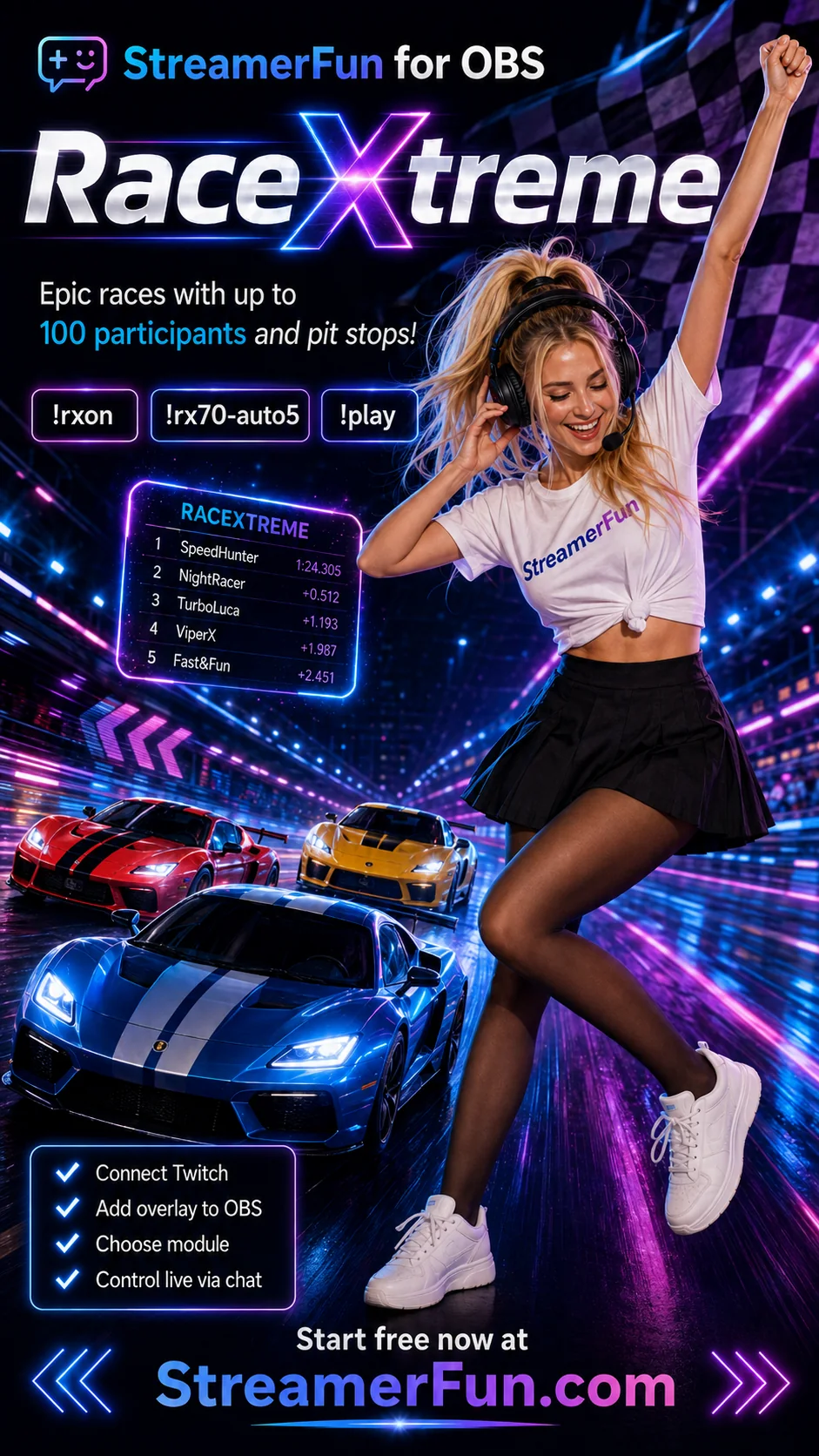
RaceXtreme

Large racing game with 20 to 100 cars, !play registration, pit stops, Top 10 results and Gold Stars.

!rxon !rx70-auto5 !rxstart !play
❄️ Active

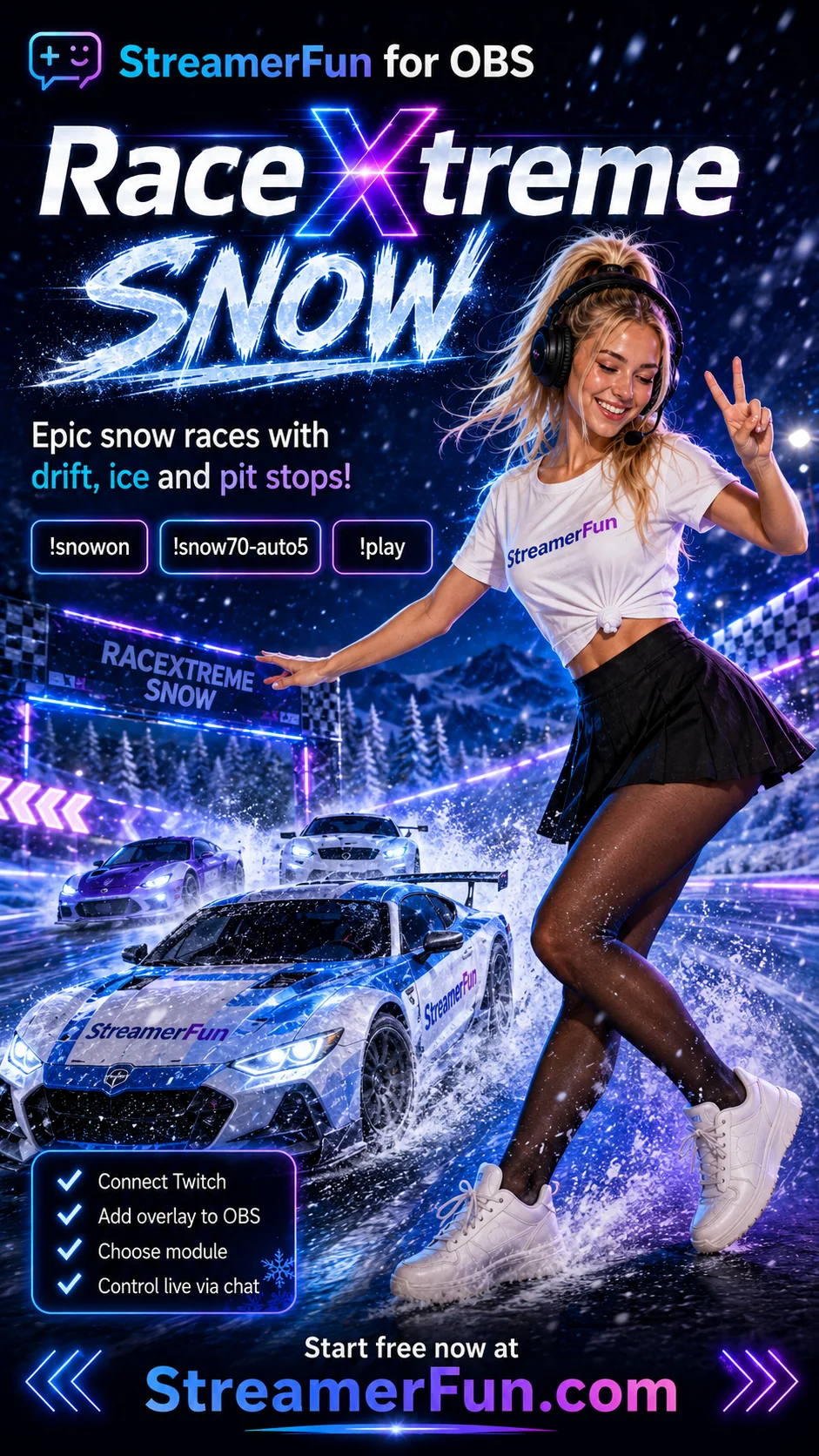
RaceXtreme Snow

Standalone snow race with icy drifts, snow spray, !play registration, pit stops, Top 10 results and Gold Stars.

!snowon !snow70-auto5 !snowstart !play
🌊 Active

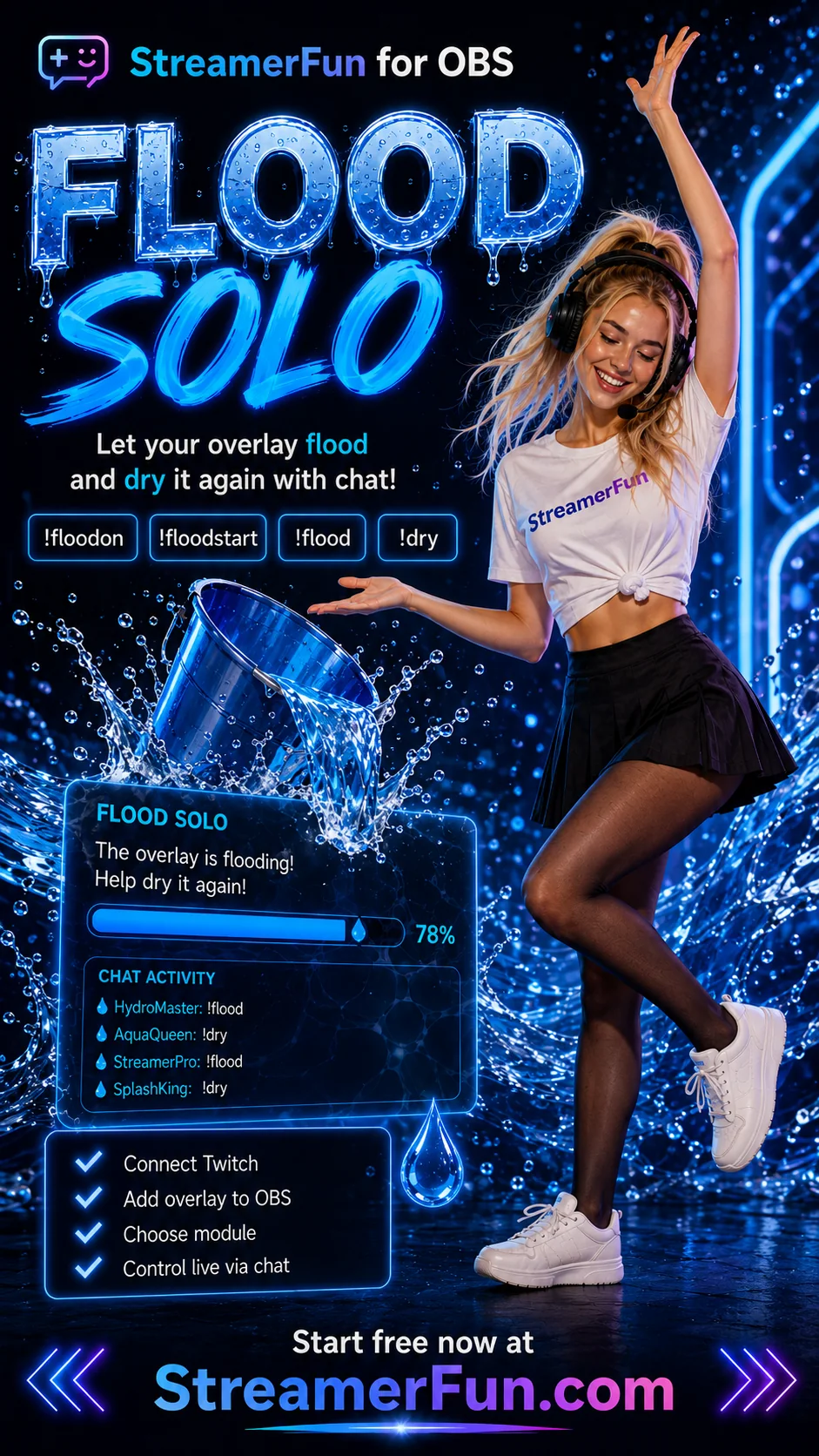
Flood Solo

Solo water challenge for your overlay. Viewers help with !flood or !dry.

!floodon !floodstart !flood !dry
⚔️ Active

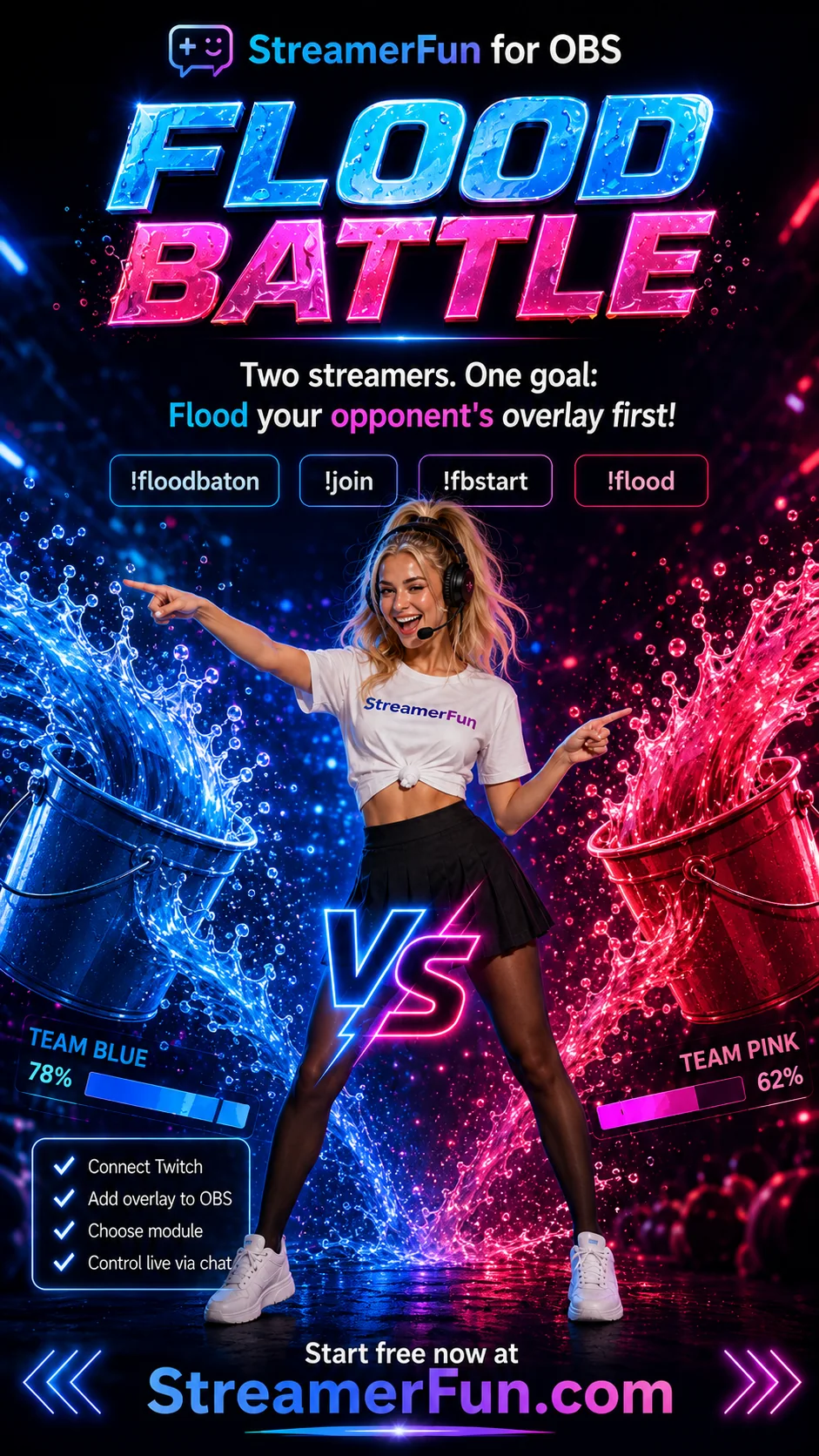
Flood Battle

Duel mode for two streamers or teams with chat support.

!floodbaton !join !fbstart !flood
💘 Active

Love Oracle Wheel

A love oracle wheel for playful community moments in your stream.

!love !loveX-auto
🔊 Ready

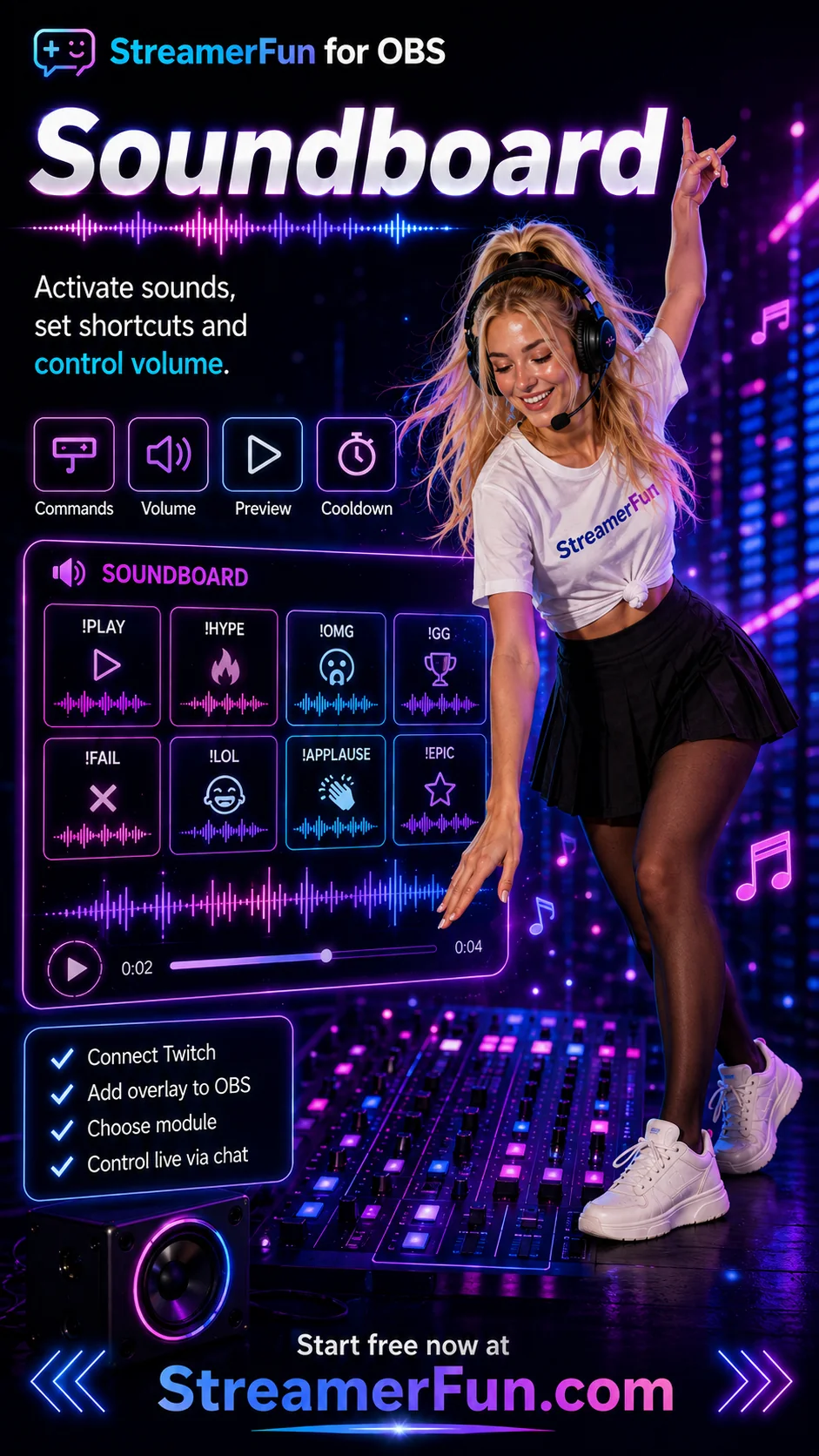
Soundboard

Play sounds through Twitch Chat and customize commands per streamer.

Chat sounds Cooldowns Volume
💬 Active

Chat Messages

Send text messages through Twitch chat commands in the streamer account name.

Auto messages Info texts Chat commands
🧩 Active

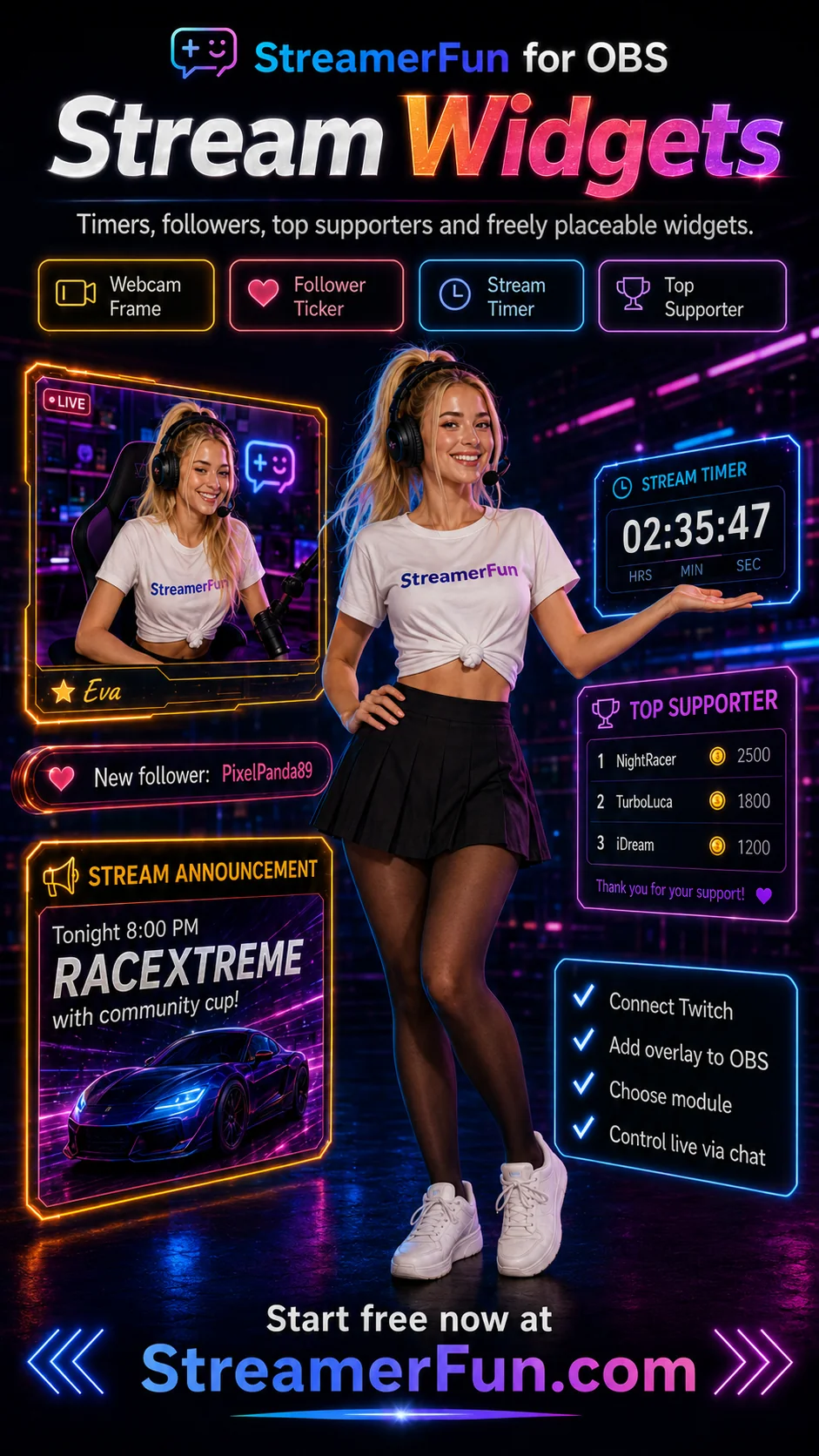
Stream Widgets

10 freely positioned OBS widgets with drag & drop, snap, design controls and Twitch Chat.

10 Widgets Drag & Drop Twitch Chat
✨ Active

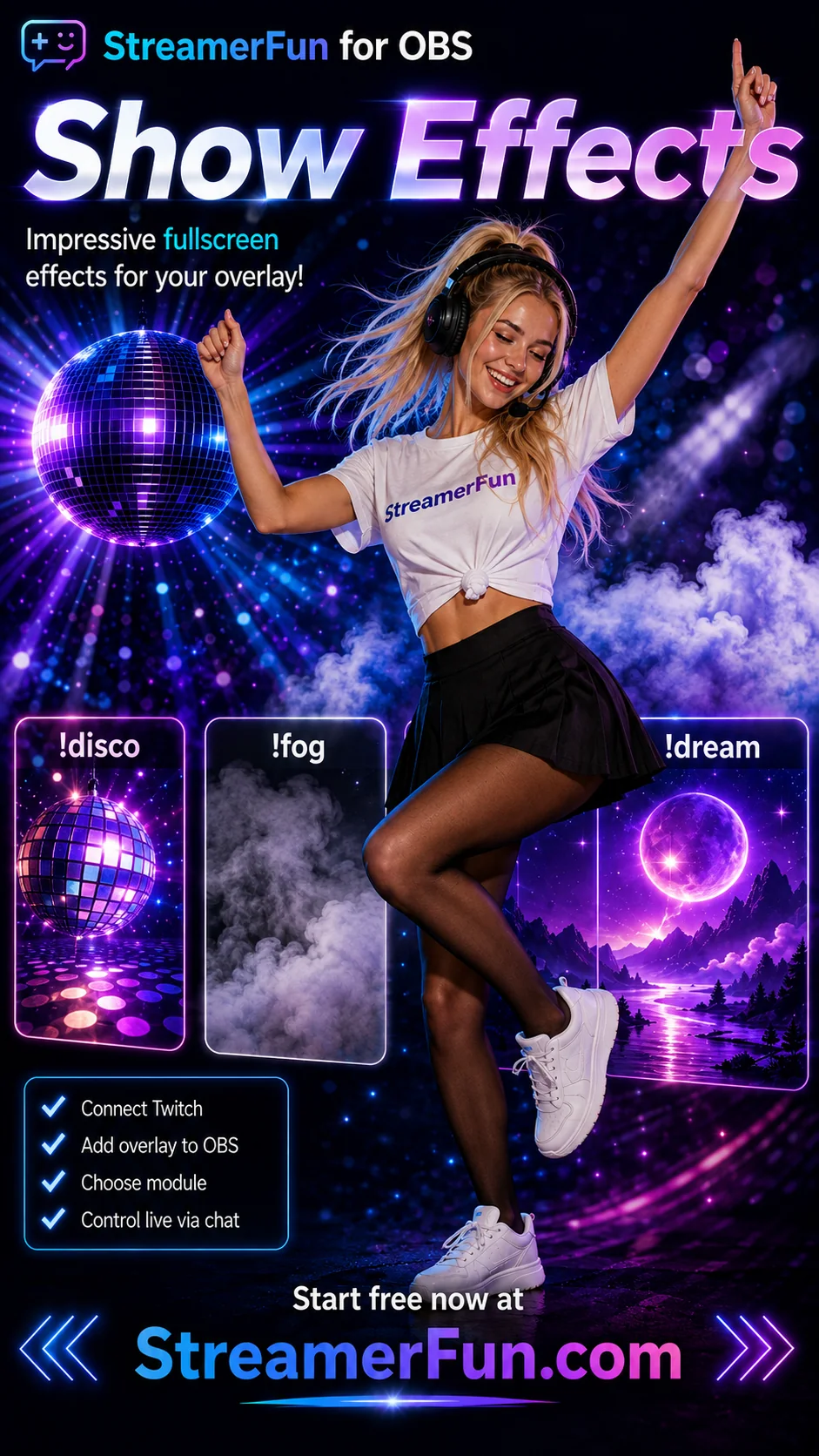
Show Effects

Disco, Fog, Dream, Storm, Fire and Freeze as full-screen effects directly in the OBS overlay.

!showon !disco !fog !dream
⭐ Ready

Gold Stars

RaceXtreme award Gold Stars as prizes and community rewards.

Prizes Highscores Community
Powered by GetGameStars.com
Live Battle Lobbies

Battle and community modules are prepared so streamers can later show visible lobbies and active sessions inside the overlay.

Flood BattleActive

Duel mode for chat teams and streamer-vs-streamer sessions.

Love Oracle WheelActive

Registration, wheel spin and oracle card as a community show.

Chat MessagesActive

Recurring chat hints and streamer messages.

Frequently asked questions

How many overlay URLs do I need?

One personal OBS Browser Source is enough. Active StreamerFun modules appear through the same overlay URL.

Can I rename sounds and commands?

Yes. The Soundboard is configurable per streamer; further modules will also get their own settings.

Is StreamerFun made for Twitch Chat games?

Yes. RaceXtreme, RaceXtreme Snow, Flood, Love Oracle Wheel and more modules are built for Twitch Chat interaction.

Are Gold Stars ready?

Yes. RaceXtreme and RaceXtreme Snow can award Gold Stars as prizes. The display is Powered by GetGameStars.com.

Start free with StreamerFun

Connect Twitch, copy the OBS URL and launch your games, effects and Gold Stars directly in stream.